Hoe kunnen we je helpen?
Downloaden en Installeren Nextcloud
Downloaden
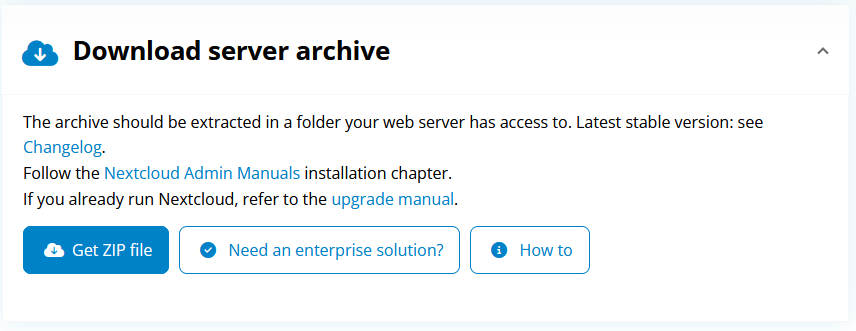
- Download the .tar.bz2 or .zip archive.
- Check package integrity using MD5 (.tar.bz2 / .zip) or SHA256 (.tar.bz2 / .zip)
- Verify the authenticity via PGP (.tar.bz2 /.zip). The Nextcloud GPG key is here. You can also grab the keys by issueing this command:
gpg --keyserver keys.openpgp.org --recv-keys 28806A878AE423A28372792ED75899B9A724937A
You can already find server packages included with many distributions or provided by active community members. Find an overview of packages for various distributions as well as Docker and snap images here. Can’t find packages you need? Ask your distribution for packages or contribute to creating them!
Looking for older versions or major releases?
Nextcloud Server does not support Microsoft Windows. We recommend using a virtual machine or docker image on Windows Server.
Unzip
Unzip the files and transfer it to the web server.